0 0
0
No products in the cart.

School Weather Station: How to Build It Yourself and Publish Data Online? | tna W rna

Jun 26, 2026 / By Anas Heaba / in Growing Guides

Imagine this scenario: you are a science teacher in a public school, trying to explain climate change and its impact on agriculture in Egypt. Students are bored with abstract theories, and you are looking for a practical way to connect the curriculum to their daily reality. At the same time, the small school garden suffers from irregular watering, and plants die from the intense summer heat without knowing precisely when they need extra water.

This is where the school weather station comes in. It is not just an educational tool, but a complete applied project that teaches students programming, electronics, and data analysis, while also helping to improve the productivity of green spaces at school. In this article, we will take you step by step to build a simple weather station that publishes its data online, using available components and a limited budget suitable for any Egyptian school.

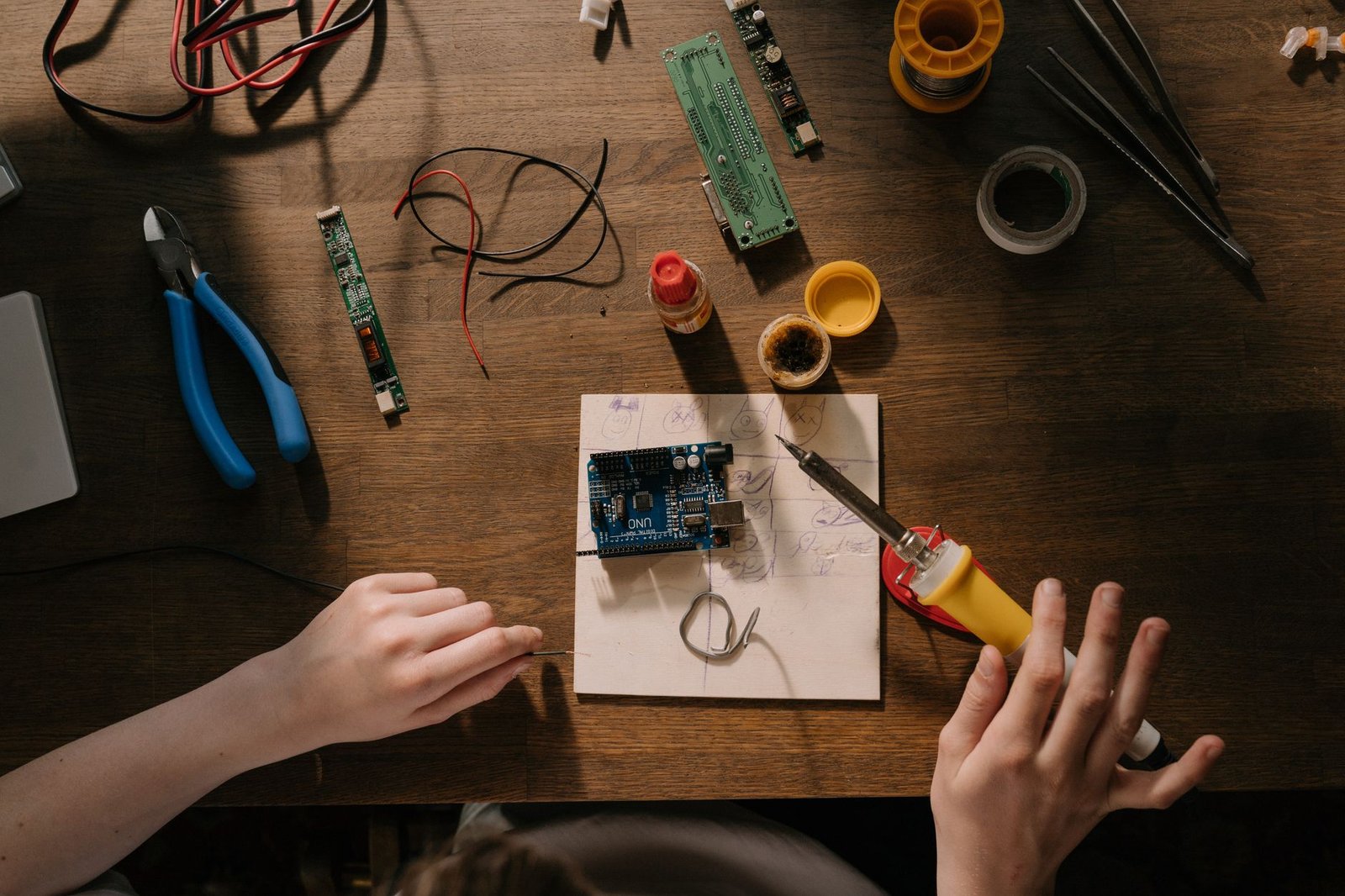
Students assembling a small weather station with sensors and a microcontroller on a wooden table in a bright classroom

Why Is This Topic Important?

Egypt suffers from severe climate changes: summer temperatures exceed 40 degrees Celsius in many areas, and water scarcity threatens traditional agriculture. According to Ministry of Irrigation reports, agriculture consumes about 85% of Egypt's freshwater resources, and any waste due to watering at the wrong time costs farmers and schools significant losses. In schools that have small gardens (ranging from 50 to 200 square meters), the impact of weather is direct: a tomato seedling wilts on an extremely hot day if not watered early in the morning, and basil plants die from excess moisture after a sandstorm.

The school weather station offers a practical solution: instead of relying on guesswork or general meteorological data (which often comes from stations far from the school's location), students can measure temperature, humidity, wind speed, and rainfall at their site accurately. This data helps determine optimal watering times and reduce water consumption by up to 30%, according to applied studies in European schools. Most importantly, students learn 21st-century skills: programming, data analysis, and teamwork, all of which are in demand in the Egyptian job market.

The Root of the Problem

The main problem is not a lack of devices or technology, but the absence of applied, project-based education. Egyptian curricula rely on memorization and rote learning, while students need to touch things with their own hands to understand the relationship between cause and effect. When a student studies the water cycle from a textbook, they may memorize it and answer on the exam, but they do not connect it to the reality that the pepper plant in the school garden needs more watering on hot, dry days.

Scientifically, the weather station is based on a simple principle: converting physical phenomena (temperature, humidity, atmospheric pressure) into electrical signals that can be read by a microcontroller (such as Arduino or ESP32). These signals are processed and sent via Wi-Fi to an Internet of Things (IoT) platform, where they can be displayed on a dashboard that anyone can see through a web browser. The real problem is that most schools lack the technical expertise to install these systems and believe they are expensive and complicated. But the truth is that the basic components cost no more than a few hundred Egyptian pounds, and any middle school student can learn to program them within a week.

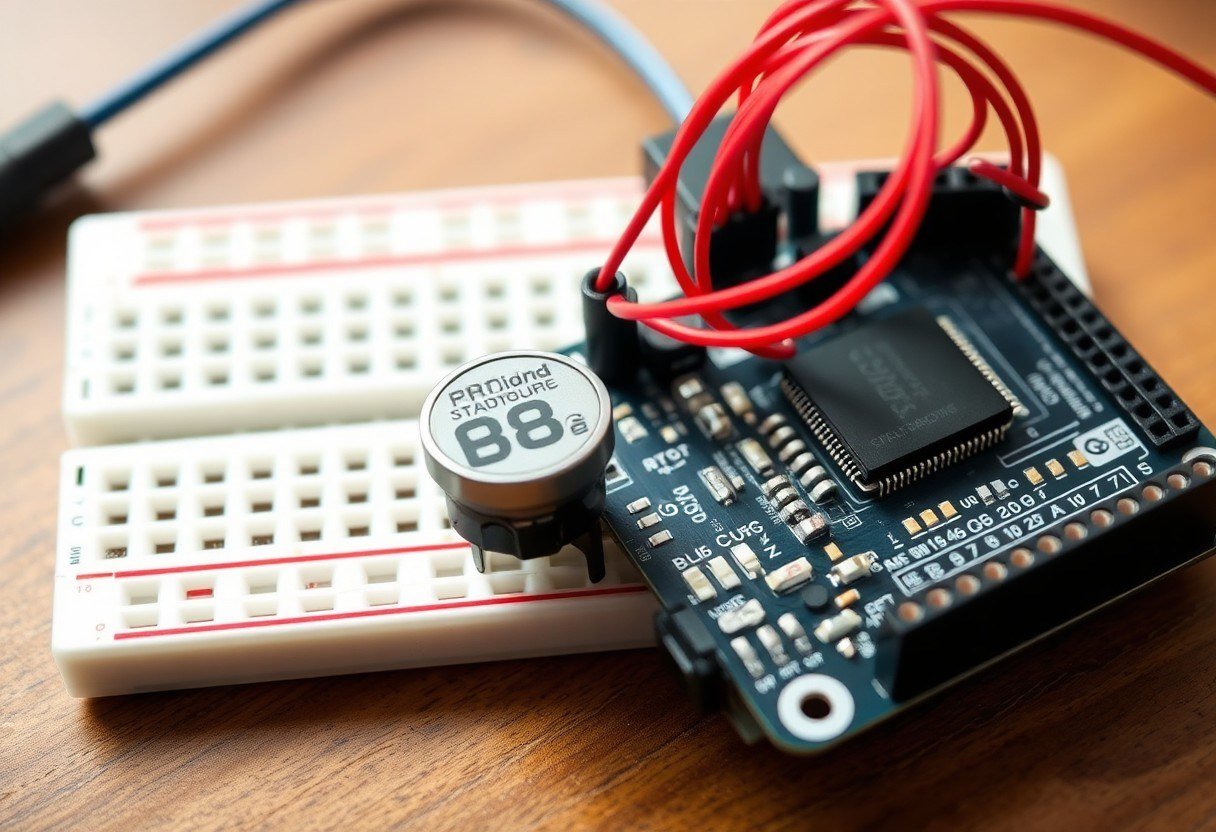
Close-up of a temperature and humidity sensor connected to a microcontroller with wires on a breadboard

Step-by-Step Solution

  1. Determine the Required Sensors: Start with two basic sensors: a temperature and humidity sensor (such as DHT11 or DHT22) and an atmospheric pressure sensor (such as BMP180). You can add a rain sensor and an anemometer later. Sensors are available at electronics shops in downtown Cairo or through delivery stores.
  2. Choose the Microcontroller: Use an ESP32 board because it has built-in Wi-Fi, eliminating the need for a separate internet module. If the budget is very limited, you can use an Arduino Uno with an ESP8266 module, but the ESP32 is easier and ultimately cheaper.
  3. Connect the Sensors: Connect the sensors to the board according to each sensor's wiring guide. Typically, you need three wires: VCC (3.3V or 5V power), GND (ground), and Data. Use a breadboard to avoid soldering initially.
  4. Write the Code: Download the Arduino IDE on the school computer. Write simple code that reads data from the sensors every 10 minutes and sends it via Wi-Fi to an IoT platform like ThingSpeak or Blynk. You can use ready-made libraries such as DHT.h and WiFi.h to simplify the task.
  5. Set Up the IoT Platform: Create a free account on one of the IoT platforms. Create a new channel and define fields for each reading: temperature, humidity, atmospheric pressure. You will receive an API Key to use in the code to send data.
  6. Test the System: Run the board and ensure data appears on the platform's dashboard. Try changing the temperature by placing your finger on the sensor to see the instant update. This simple test excites students.
  7. Install the Station in the Garden: Place the sensors in a waterproof plastic box (available at electrical supply stores). Leave ventilation holes for the humidity sensor. Mount the box on a wooden or metal pole about one and a half meters above the ground to avoid soil heat effects.
  8. Publish the Data: Share the dashboard link with students and parents via the school's Facebook page or Google Classroom. You can also display the data on a screen at the school entrance using a web browser.
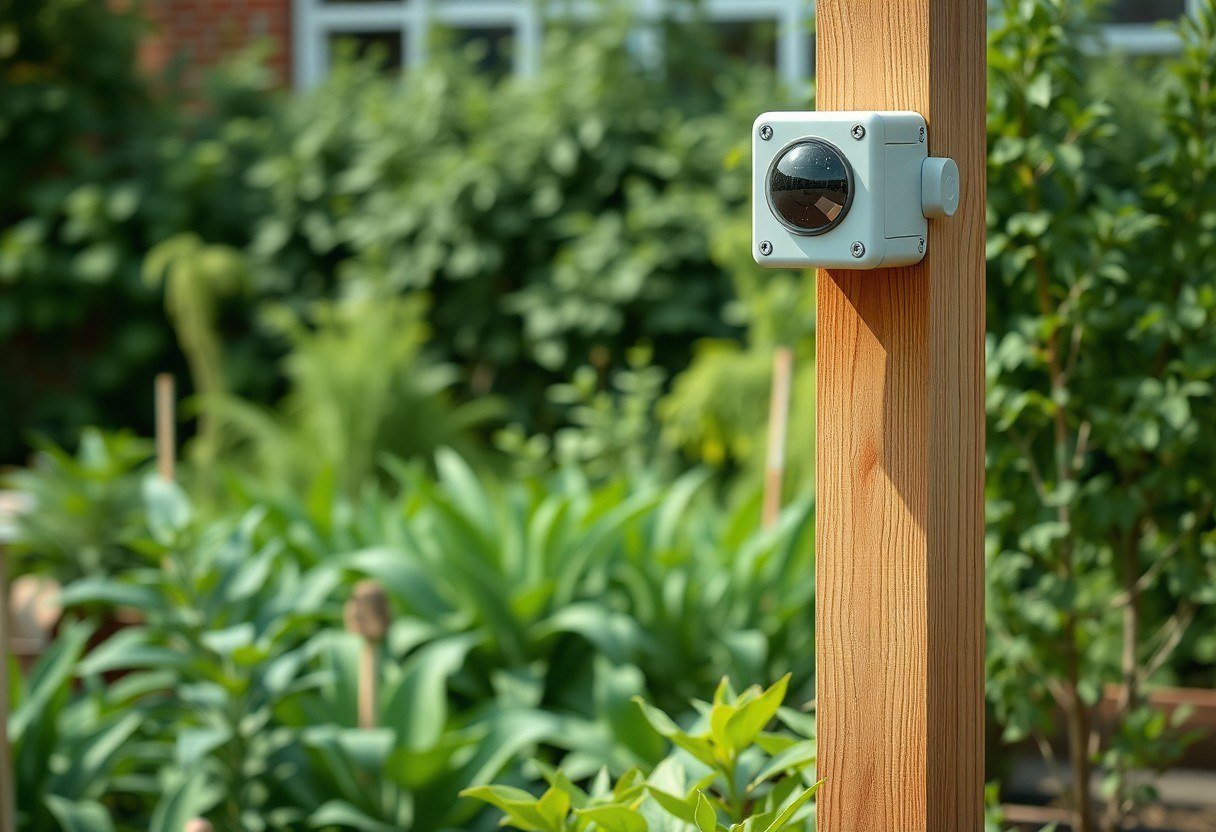
Weather sensor box mounted on a wooden pole in a school garden surrounded by green plants

Practical Tips and Tools

  • Use a Reliable Power Source: Power the station using an old power bank (5V) instead of dry batteries that drain quickly. A power bank provides voltage stability and lasts for several days.
  • Protect Sensors from Direct Sunlight: Place the sensors in the shade of the mounting box, or use a small radiation shield made from inverted white plastic plates. Direct sunlight raises the temperature reading by 5-10 degrees Celsius.
  • Teach Students Programming Basics: Before writing the full code, start with a simple exercise: have students write code that reads only the temperature and displays it on the Serial Monitor. This builds their confidence.
  • Use an Open-Source Platform: Platforms like ThingSpeak allow free data uploads of up to 8,000 data points per day, which is more than enough for a school project. You can also use Blynk if you prefer a mobile app.
  • Document Every Step: Ask students to write a daily report about the challenges they faced and how they solved them. This documentation part is the most educationally valuable.

Common Mistakes to Avoid

  • Connecting the Sensor to the Wrong Voltage: Some sensors work only at 3.3V (such as BMP180), and connecting them to 5V may burn them. Always check the sensor's datasheet before connecting. Solution: Use a voltage regulator if the board only provides 5V.
  • Neglecting Sensor Calibration: The DHT11 sensor may give inaccurate readings if exposed to high humidity for a long time. Solution: Test the sensor by comparing it with a known mercury thermometer and record the offset in the code to correct readings.
  • Forgetting the Pull-Up Resistor: Some sensors like the DHT11 require a 10k ohm resistor between the data line and the voltage source. Without it, the sensor may not work or give intermittent readings. Solution: Add the resistor as shown in the wiring guide.
  • Placing the Station in an Unsuitable Location: Mounting the station near a concrete wall or on an asphalt roof gives falsely high temperature readings. Solution: Install the station in the middle of the garden on grassy ground, away from any heat-reflective surfaces.
  • Neglecting Code Updates After Installation: After installing the station outdoors, you may need to adjust the reading frequency (e.g., every hour instead of every 10 minutes) to save battery life. Solution: Add a variable in the code that controls the sleep mode period between readings.
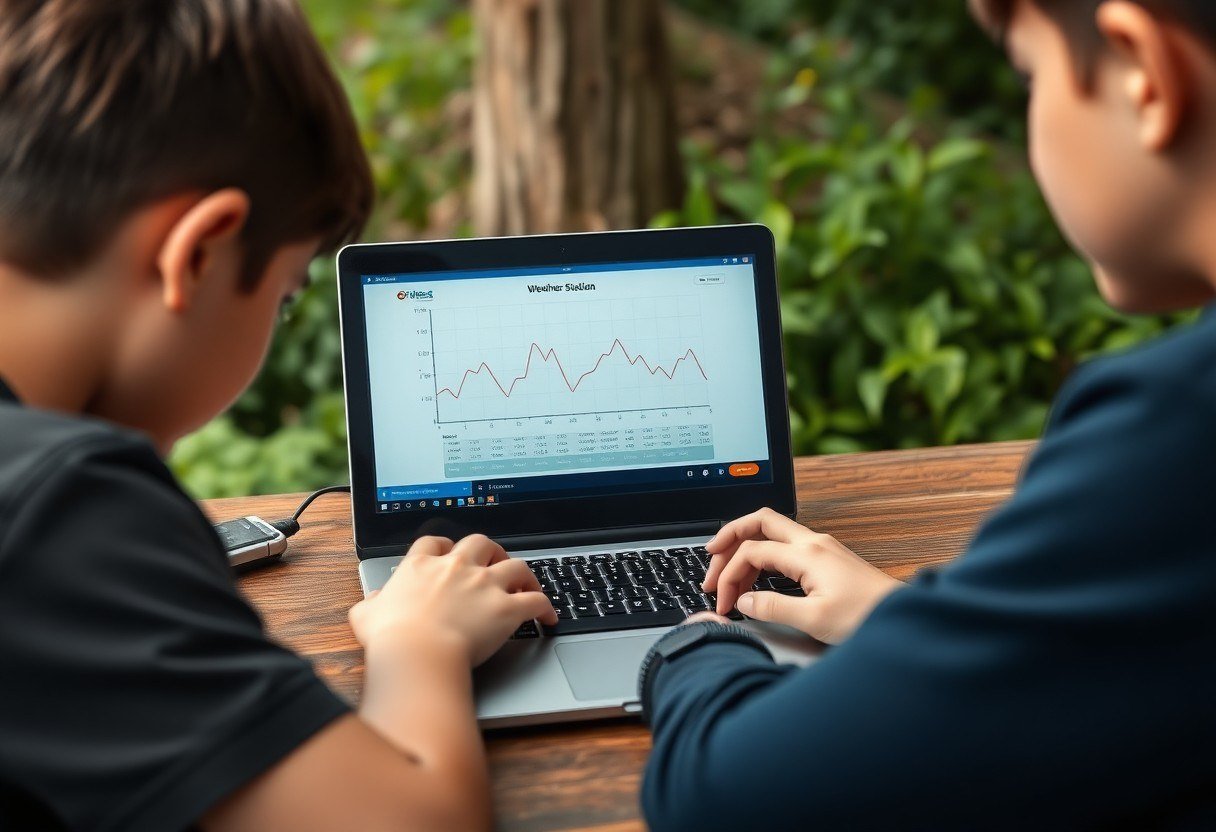
Students looking at a laptop screen displaying a line graph of temperature and humidity data from their weather station

Frequently Asked Questions

Does the project require prior programming experience?

No, you can start with ready-made code from the internet and modify it simply. There are many free tutorials in Arabic and English explaining every line of code. It is enough for the student to have curiosity and a desire to learn.

What is the approximate cost of the project?

Using an ESP32 and two basic sensors (temperature/humidity and atmospheric pressure), the cost ranges between 250 and 400 Egyptian pounds (depending on the place of purchase). The cost can be reduced by using an Arduino Nano instead of the ESP32 with the addition of a cheap Wi-Fi module.

Can the station be used in other projects after the school year ends?

Absolutely. The board and sensors can be reused in other projects such as an automatic irrigation system or a fire alarm device. The station itself can continue working for years with simple maintenance (cleaning sensors and changing the battery every 6 months).

How do we ensure data accuracy compared to official weather stations?

It will not be 100% accurate due to differences in sensor quality, but it is sufficient for educational and simple agricultural purposes. Students can compare their data with data from a nearby weather station (such as Cairo Airport station) and analyze the differences.

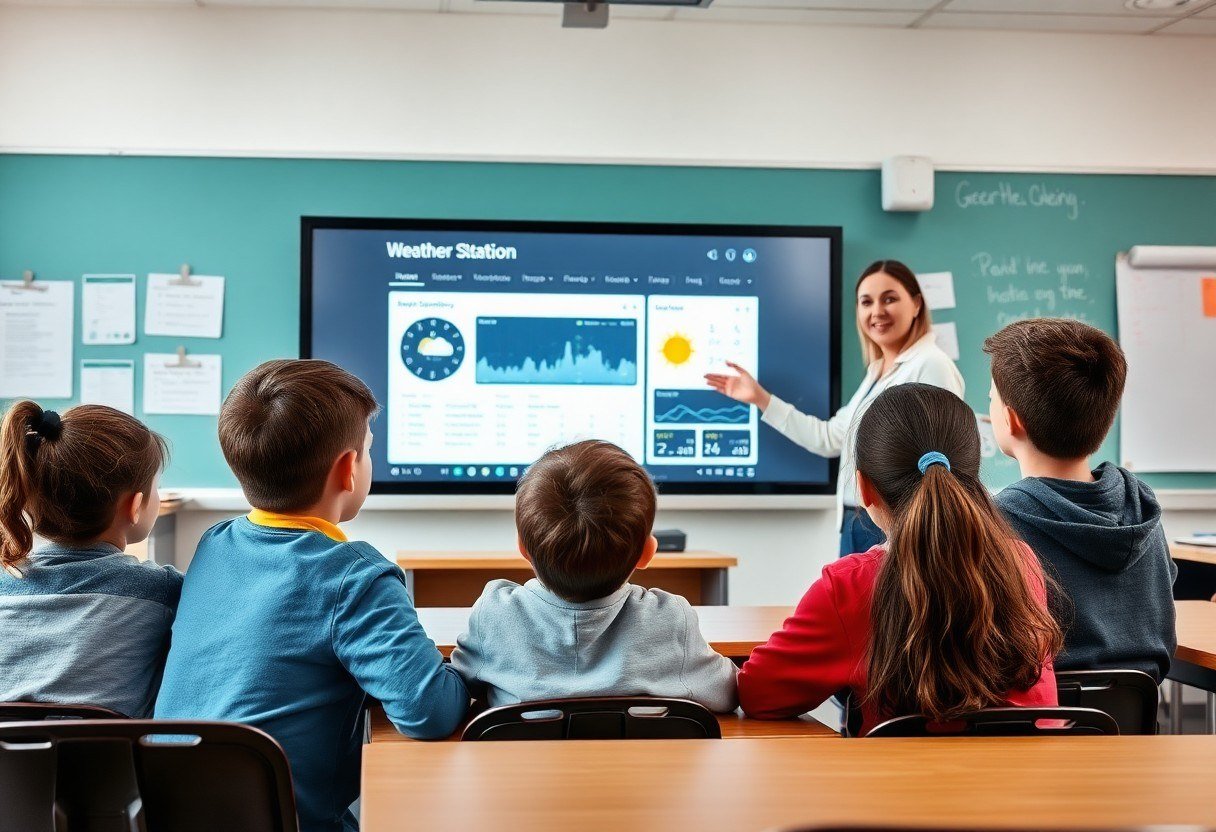
A teacher explaining a weather station dashboard to a group of students in a classroom with a smart board

Conclusion

Building a school weather station is not just a technological project; it is a gateway to teaching students critical thinking, problem-solving, and understanding the relationship between technology and nature. With simple steps and a limited budget, any Egyptian school can turn its small garden into a living laboratory for science and programming. Start today by gathering the tools, and encourage your students to experiment and make mistakes, because real learning happens when we err and correct. Follow the "IoT for Schools" series tomorrow, where we will explain how to connect the weather station to a smart automatic irrigation system.


Contact Us تواصل معنا