0 0
0
No products in the cart.

Are Loose Arduino Connections Ruining Your Smart Farming Projects? | tna W rna

Jun 19, 2026 / By Anas Heaba / in Growing Guides

Imagine waking up at dawn to check on your small rooftop garden, only to discover that the water pump didn't run despite your programming, and the tomato plants you painstakingly nurtured have begun to wilt. You inspect the electronic circuit and find that a thin wire has come loose from its place due to a slight vibration or because the wires expanded from the Cairo sun's heat. This scene is not science fiction; it's a real nightmare faced by every Egyptian hobbyist or farmer trying to harness technology for their land. The difference between a successful project and a failed one doesn't always lie in complex code, but in something much simpler: the quality and stability of electrical connections.

In an era where automation tools are within reach, the question is no longer: "Can I automate irrigation?", but rather: "How can I make the automation system work efficiently and reliably for months without my intervention?". This is where the real problem lies, and this is where the difference between amateur and professional work becomes apparent. We are not just talking about assembling electronic components, but about building a reliable nervous system for your farm, one that withstands dust, humidity, and heat, and ensures that not a single drop of water is wasted or a plant dies due to a simple physical connection error.

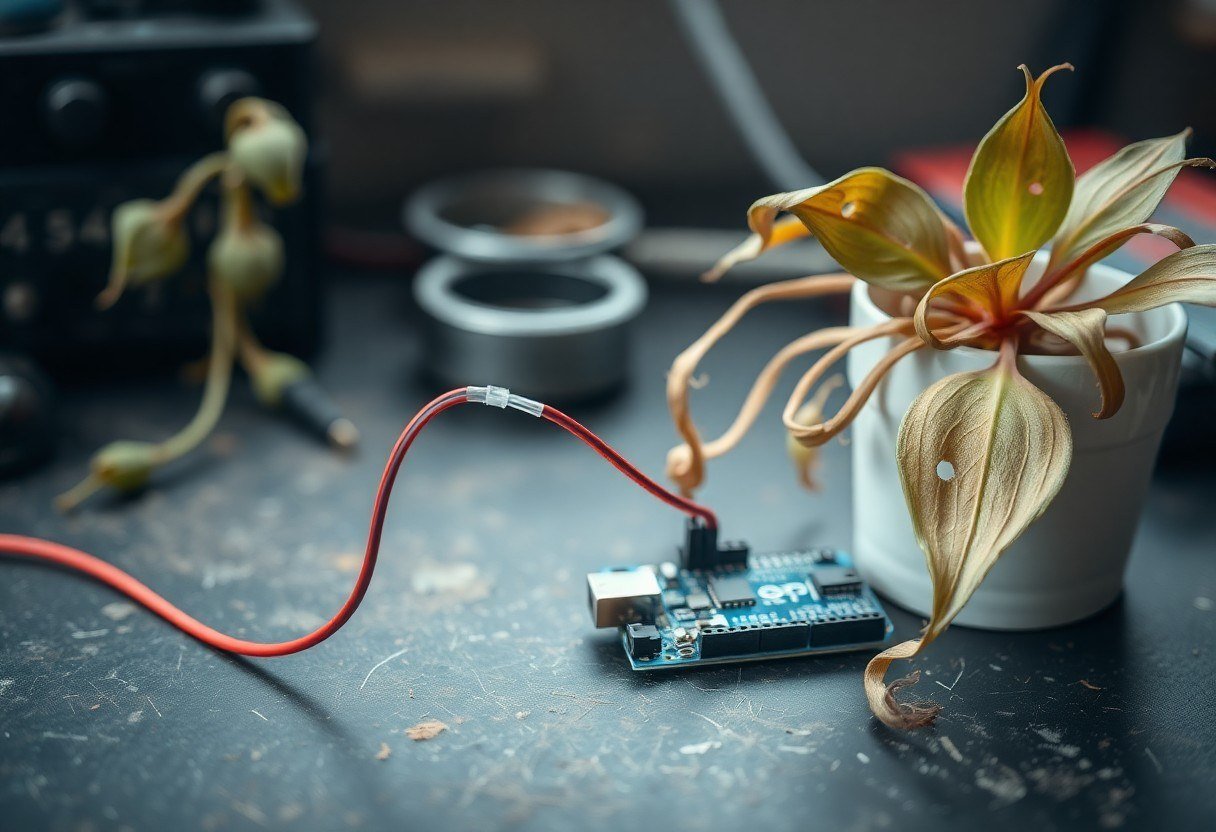
A thin connection wire detached from an Arduino board next to a wilted plant

Why is Connection Stability an Existential Issue for Your Smart Farm?

In the Egyptian context, we deal with harsh climatic challenges. The heat in Upper Egypt or on Cairo rooftops can easily exceed 45 degrees Celsius in summer. This heat causes the metals in wires and connections to expand, loosening connections that rely solely on friction. Add to this the high humidity levels in the Delta regions or inside greenhouses, which cause corrosion of copper ends and the formation of an insulating layer of rust that prevents signal transmission. Estimates from the Food and Agriculture Organization (FAO) indicate that smart irrigation systems can reduce water consumption by up to 30-50%, but this percentage is only achieved if the system operates with 100% accuracy throughout the season. Any interruption in the soil moisture sensor reading due to a loose connection means either drowning the crop or leaving it thirsty, potentially destroying an entire crop in a small area that cannot tolerate error.

Limited agricultural spaces, whether a home garden or a planted rooftop, cannot tolerate the margin of error found in large open fields. If the irrigation pump fails for one day in a 50-square-meter greenhouse, the loss could be catastrophic. The problem is not in the intelligence of the code you wrote, but in the way the microcontroller (Arduino) communicates with the outside world. When you rely on random "jumper" connections, you are building your system on a fragile foundation, where any vibration from a fan or even a large insect falling could disconnect the temperature or humidity sensor circuit. The mechanical stability of the circuit is the backbone of any successful agricultural automation project.

The Root of the Problem: Why Do Traditional Connections Fail in Agricultural Environments?

To understand the problem from its roots, we must look at the physics of electrical connections. The standard Arduino Uno board is equipped with female headers designed to receive male jumper wires. This mechanism relies on mechanical friction between two metal surfaces. In ideal laboratory conditions, this is sufficient. But in the agricultural environment, three destructive factors come into play: First, chemical oxidation, where copper reacts with humidity and oxygen to form a copper oxide layer that significantly increases electrical resistance, turning the precise analog sensor signal into a completely false reading. Second, mechanical vibrations resulting from the operation of water pumps or fans lead to what is known as "fretting corrosion," where metal surfaces rub against each other causing microscopic wear that cuts the signal. Third, continuous thermal expansion and contraction leads to a loosening of the grip force in the plastic sockets, making the connection loose and losing contact intermittently in a way that is difficult to detect.

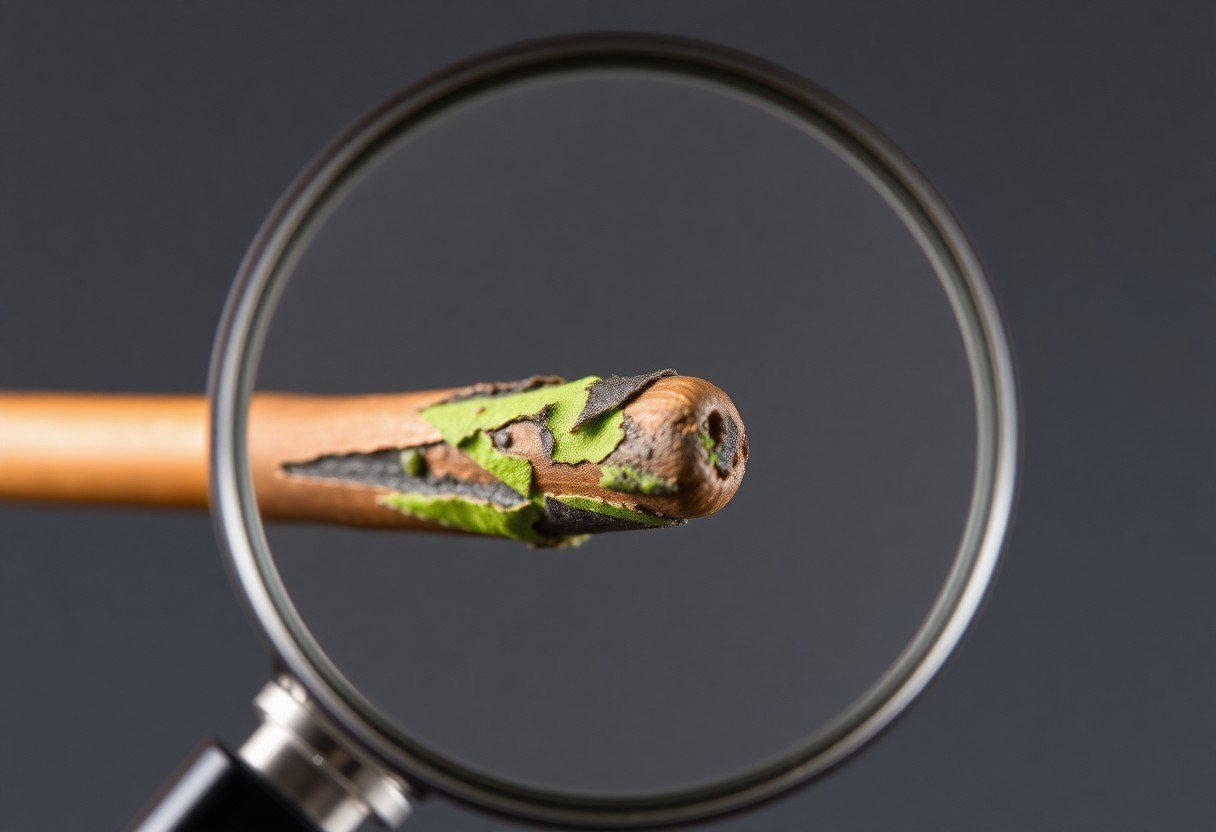
A corroded copper jumper wire end under a magnifying lens

The Step-by-Step Solution: Building a Professional Connection System That Won't Let You Down

The optimal solution is to shift from a "temporary connection" mindset to a "permanent connection" mindset. We need to transform every Arduino pin into a secure mechanical anchoring point. Follow these steps to turn your board into a miniature industrial controller suitable for operation in the harshest conditions:

  1. Assess Your Pin Requirements: Before you start, draw a diagram of your circuit. How many soil moisture sensors will you use? Do you have a relay pump? Are you using a display screen? Determine exactly the number of digital and analog pins you need. This prevents chaos and makes future maintenance easy.
  2. Install the Screw Terminal Shield: Instead of trying to solder wires directly onto the sensitive Arduino pins, use a screw terminal shield. Mount this shield directly on top of the Arduino; it converts every pin into a strong metal screw terminal. These terminals grip the wire with immense mechanical force, preventing any accidental disconnection.
  3. Prepare the Appropriate Wires: Stop using thin-stranded jumper wires. Use insulated copper wires with a suitable gauge (22-18 AWG) for long connections. Strip only half a centimeter from the wire end, and twist the copper strands well. If you are in a high-humidity environment, use tinned wires that resist oxidation.
  4. Secure the Wires Firmly: Insert the stripped end into the designated hole in the screw terminal shield, and tighten the screw using a small screwdriver. Do not over-tighten to the point of cutting the wire, but ensure the wire does not move when pulled gently. This connection is now resistant to vibration and pulling.
  5. Organize and Manage Cables: Do not leave wires dangling. Use zip ties or heat-shrink tubing to bundle wires going to the same location, and secure them to the side of the control box. This prevents the weight of the wires from pulling on the screw terminals over time.
  6. Stability Testing: After connecting everything, power on the system and let it run for a few hours. Gently move the wires from their midpoints to ensure the signal on the screen does not cut out. If the readings are stable, congratulations, you have built a reliable system.
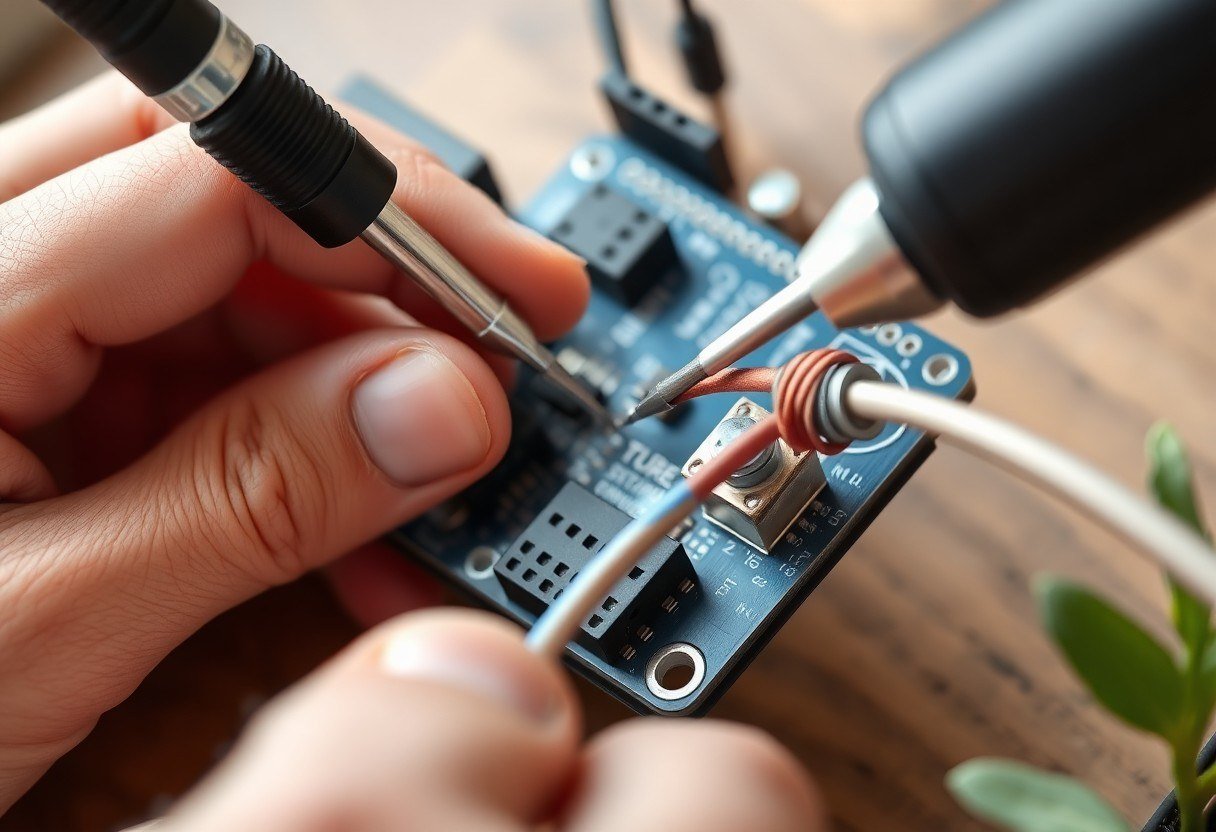
A hand securing a wire into a screw terminal on an Arduino shield using a screwdriver

Practical Tips and Tools to Enhance Your Project's Durability

After mastering the basics of secure connections, there is a set of tools and practices that take your project to the professional level. These tips are inspired by real experiences on Egyptian farms:

  • Invest in a Sealed Control Box: Use a plastic box with an IP65 protection rating at least. This protects the Arduino and the screw terminal shield from dust, dirt, and water spray. Insert wires through sealed cable glands to prevent the entry of insects and humidity.
  • Use Silicone Paste on External Connections: If you have sensors far from the main box, place a small dot of neutral cure silicone paste on the sensor connection terminals after tightening them. This completely seals the connection and prevents oxidation and humidity from reaching the contact points.
  • Separate Signal from Power: In long-distance cables (more than 5 meters), do not run sensor signal wires directly next to pump power wires. Electromagnetic interference (EMI) may occur, leading to false readings. Use shielded cables for sensitive analog sensors.
  • Document Your Connections: Use small labels or different wire colors to identify the function of each wire (red for power, black for ground, blue for signal). Draw a paper diagram and keep it inside the control box cover. You will thank yourself six months later when you need to modify the system.

Common Mistakes You Must Avoid Immediately

Even with the best intentions, many fall into design mistakes that render their efforts futile. Learn from others' mistakes to save yourself time and money:

  • Mistake: Using direct soldering on Arduino pins. Some believe soldering is the ideal solution. The truth is that soldering wires directly onto the Arduino's female headers destroys the gold plating and makes the board unsuitable for reuse, and the solder joints become brittle and break easily. Correction: Use a screw terminal shield, as it is designed to be a safe, detachable, and reusable intermediary without damage.
  • Mistake: Stripping too much wire length. Leaving a long bare copper part outside the screw terminal is a recipe for disaster. Any vibration may cause this part to touch an adjacent terminal, causing a short circuit that could destroy the entire board. Correction: Strip only 5-6 mm of the wire, so that the copper disappears completely inside the screw terminal and no exposed metal is visible.
  • Mistake: Ignoring common ground (GND) terminals. In an attempt to save wires, some connect only the power to the sensors and forget to connect the ground in a shared and secure manner. This leads to random and fluctuating readings. Correction: Ensure that all sensors and the Arduino share a single common ground securely connected via the screw terminal shield, as this is the primary reference for all signals.
  • Mistake: Relying on an unstable power source. Even with the best connections, if the power source is poor, the system will fail. Using cheap phone chargers to power pumps and relays causes a voltage drop that continuously resets the Arduino. Correction: Use a regulated power supply with adequate amperage, and separate the power circuit from the control circuit using a relay module.
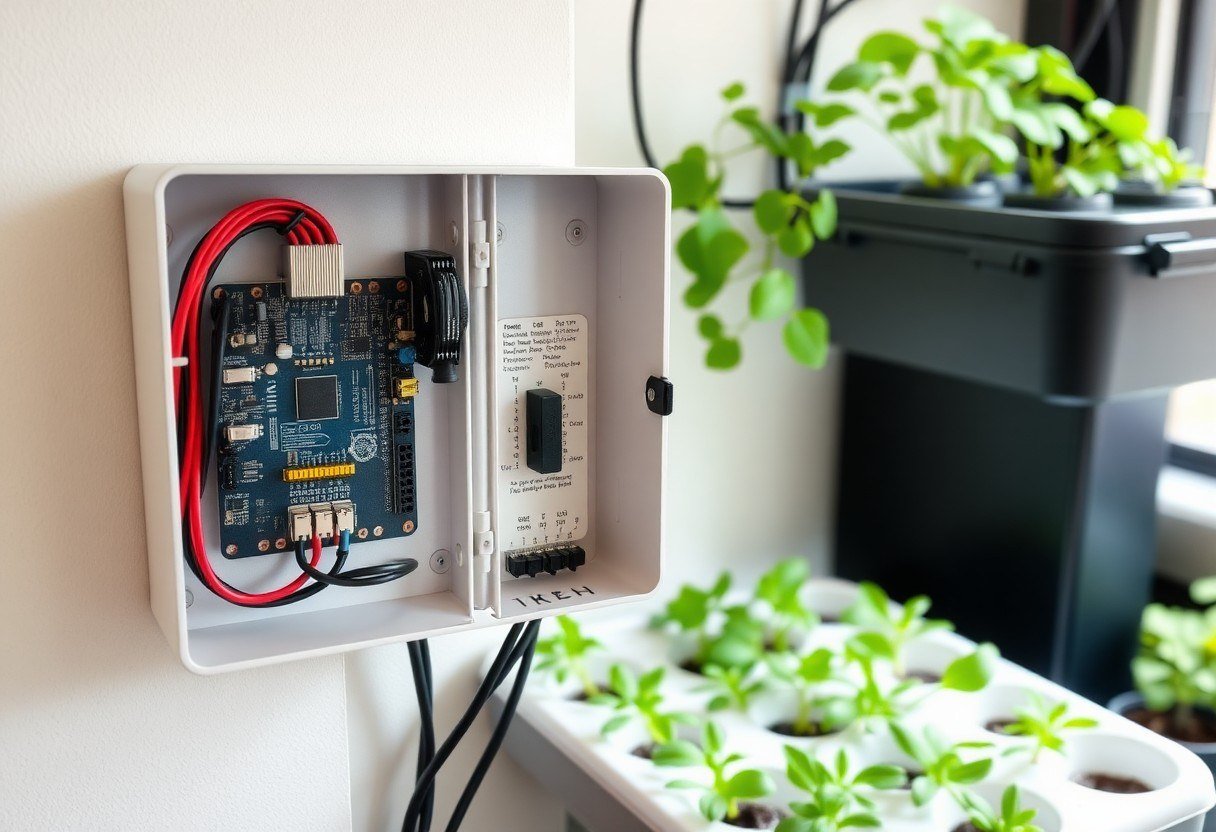
An organized Arduino control box with a screw terminal shield and tidy cables mounted on a wall next to a hydroponic system

Frequently Asked Questions on the Hobbyist Farmer's Mind

Can I use this shield with other types of Arduino like Mega or Nano?

This shield is specifically designed to be compatible with the physical form factor and dimensions of the Arduino Uno board. For the Mega board, it requires its own specific shield due to the different number and location of pins. As for the Nano board, it is smaller in size and the shield cannot be mounted directly on top, but you can use an external breadboard with separate screw terminal blocks to achieve the same principle.

What is the maximum current these screw terminals can handle?

The standard screw terminals on these shields typically handle a current of up to 1.5 Amps per terminal safely. This is excellent for operating sensors, display screens, and small relay modules. But always remember not to pass high-load currents like pumps or motors directly through the Arduino or the shield; instead, use an external power circuit and a relay for control, as the shield here is intended for signal transmission, not high power.

Will I need to solder to mount the shield onto the Arduino?

No, not at all. This is one of the biggest advantages of this solution. The shield usually comes ready with male headers on the bottom, and all you have to do is press-fit it onto the Arduino's female headers. This makes it an ideal solution for those who lack soldering skills or want a clean and removable solution. The mechanical connections between the shield and the Arduino are strong enough for normal use, but in very high vibration environments, you can add a small mounting screw if a hole is available for it.

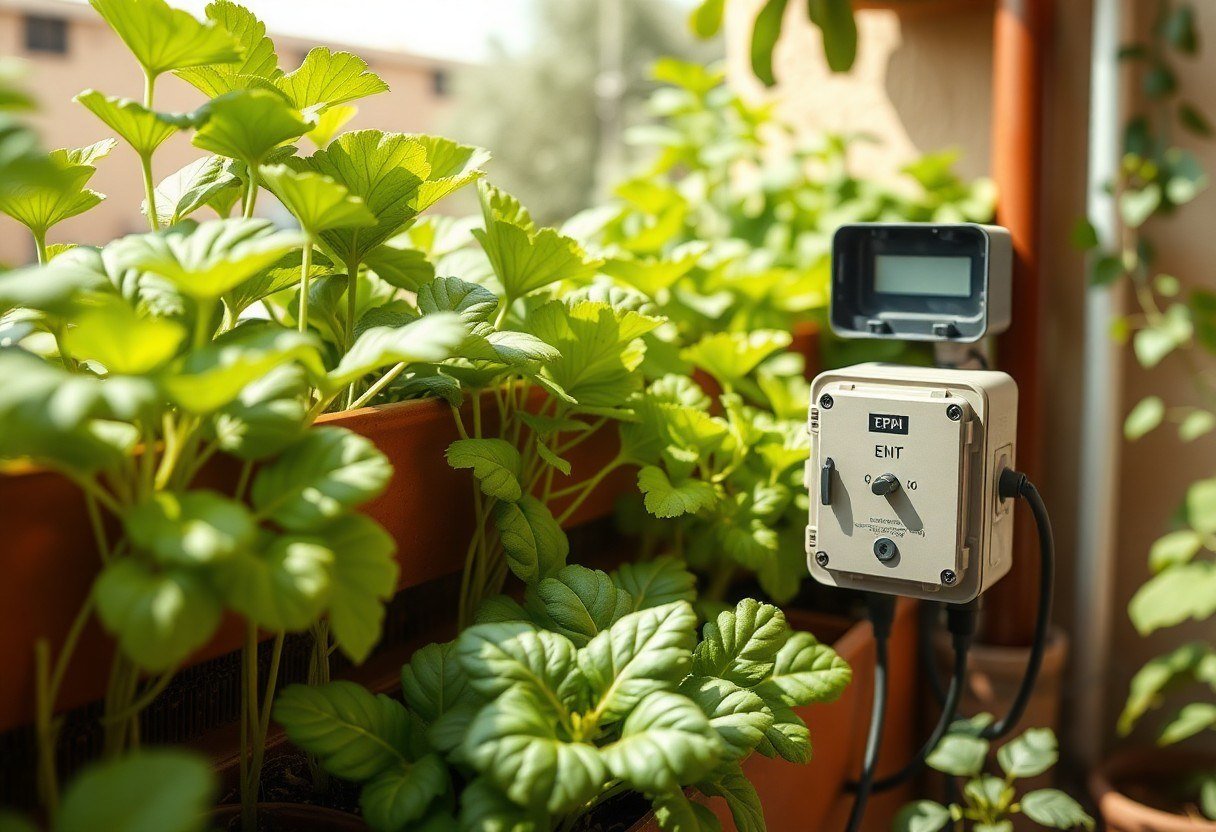
An Egyptian balcony garden with leafy vegetables and a small weather-protected control box

Conclusion: Build a System That Lasts and Doesn't Let You Down

In the end, remember that smart farming is not just programming; it is integrated engineering. You can write the best code in the world, but if you neglect the physical aspect of the connections, your system will be like a car with a flat tire. Using simple tools like the Arduino UNO Screw Terminal Block Shield, you can transform your electronic board from a fragile experimental prototype into an industrial control unit capable of withstanding the heat of August and the humidity of September. Don't let a loose wire stand between you and an abundant harvest. Start today by re-evaluating your system's connections, and build every connection as if the entire season's crop depends on it, because, simply put, it actually does.


Contact Us تواصل معنا