0 0
0
No products in the cart.

Diagnose Plant Diseases with Your Phone Camera? An AI School Project | tna W rna

Jun 19, 2026 / By Anas Heaba / in Growing Guides

Imagine this scene: you're standing in your small school garden, where you planted tomato seeds two months ago. You've been watering them daily, eagerly tracking their growth, when suddenly yellow spots appear on the lower leaves. The leaves wilt one after another, and you don't know whether it's a fungal disease, a nutrient deficiency, or an insect pest. You search Google, compare images, but you can't be certain. You lose the crop, and feel frustrated.

This struggle is faced daily by thousands of farmers and hobbyists in Egypt. But the good news is that the technology in your hands — your mobile phone camera — can become an accurate diagnostic tool if you equip it with the right intelligence. In this article, we'll take you on a practical journey to build a school project that uses Computer Vision and Artificial Intelligence (AI) to diagnose plant diseases. The project is simple, educational, and immediately applicable in any Egyptian school.

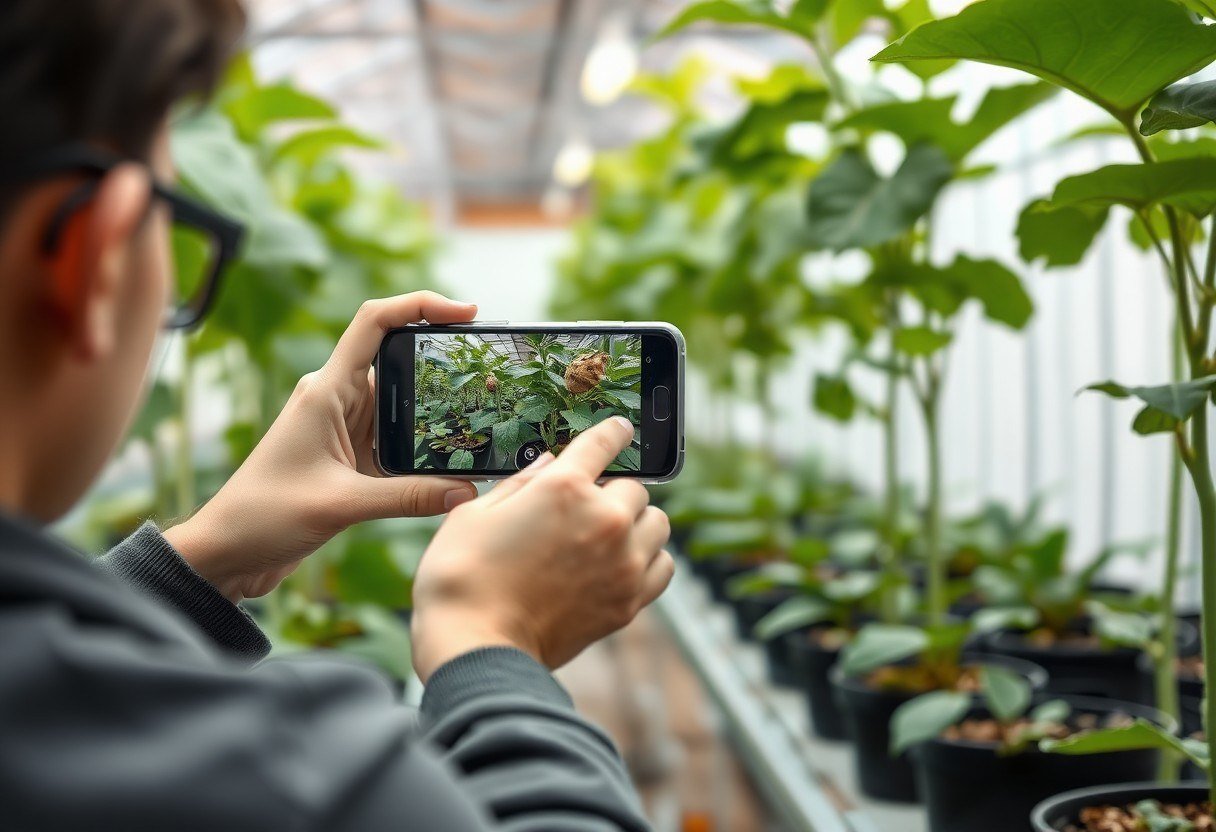
A student photographing an infected plant leaf with a phone camera in a school greenhouse

Why is this important?

Egypt faces real agricultural challenges: water scarcity, rising temperatures, and soil salinization. These factors make plants more susceptible to diseases. According to reports from the Food and Agriculture Organization (FAO), Egypt loses about 30% of its crops annually due to diseases and pests. On the small plots owned by smallholder farmers — which represent over 80% of agricultural land in Egypt — losing a single crop can mean economic disaster.

The problem is that early disease diagnosis requires expertise that isn't always available. A student at school, or a farmer in the field, cannot summon an agricultural engineer for every wilting leaf. This is where a simple IoT project comes in: a camera + an AI model trained on thousands of plant disease images. With this project, a student can capture a photo of the infected leaf, send it to a model, and receive an instant diagnosis with up to 95% accuracy in some studies. This is not a scientific luxury; it's a practical tool for improving food security and conserving resources.

The root of the problem

Why is it difficult to diagnose plant diseases with the naked eye? Because the symptoms are similar. Brown spots could be caused by a fungus (like early blight), bacteria, or even sunburn. White mold could be powdery mildew or pesticide residue. The human eye — even an expert one — needs time and comparison with reference images. But artificial intelligence, specifically computer vision models (like Convolutional Neural Networks - CNN), learns to distinguish subtle patterns in leaf color, texture, and spot shape. The model is trained on thousands of labeled images (healthy leaf, leaf infected with a specific disease), then learns to extract the distinctive features of each disease. When you capture a new image, the model compares it to what it has learned and gives a prediction.

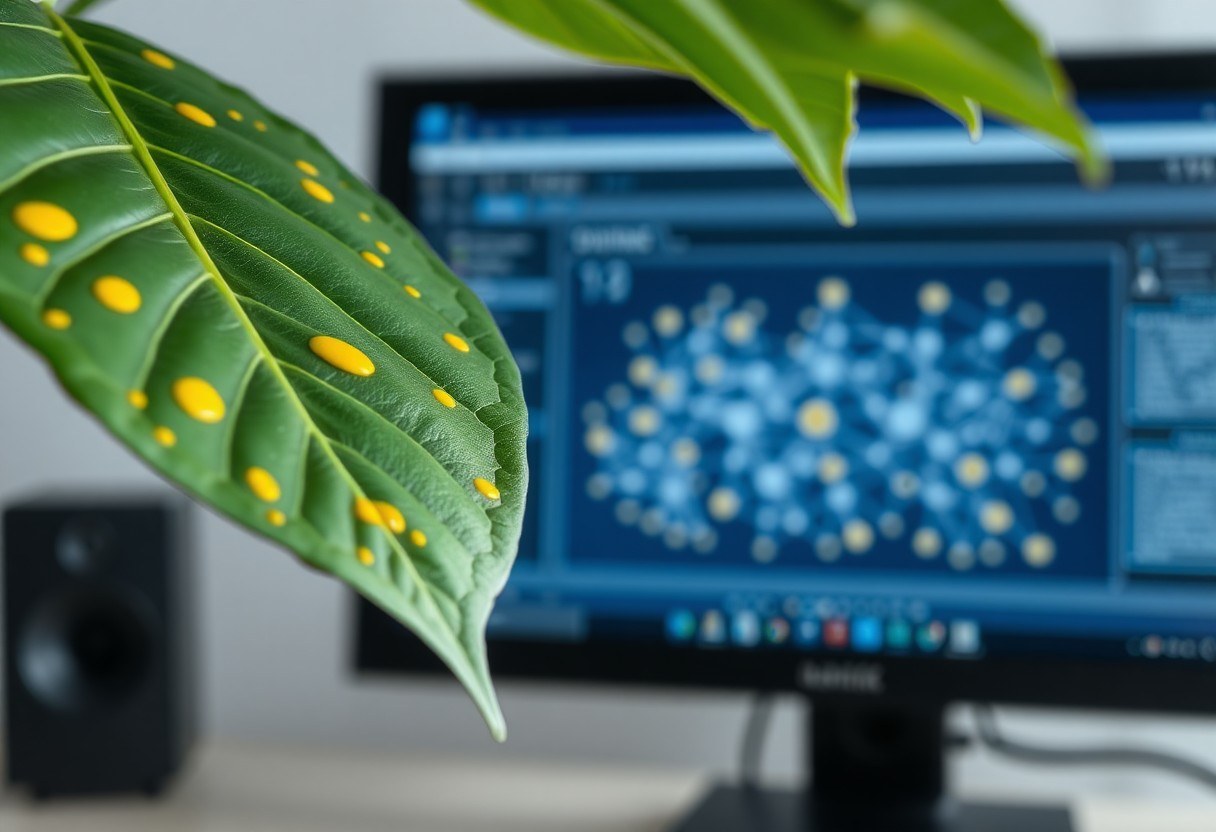
Close-up of a plant leaf infected with yellow spots next to a computer screen showing a neural network diagram

The solution step by step

  1. Data collection: Start by photographing healthy and infected plant leaves in your school garden. Capture 50-100 images for each condition (healthy, fungal disease, bacterial disease, insect pest). Use your phone at different angles and in natural lighting.
  2. Labeling images: Use a free tool like LabelImg or RoboFlow to tag each image with the disease name (e.g., "Early Blight"). This is a crucial step for teaching the model.
  3. Choosing a pre-built model: Instead of building a model from scratch (which is complex), use a pre-trained model like MobileNet or ResNet. These models are freely available and can be adapted to your data (a technique called Transfer Learning).
  4. Training: Upload your images to a platform like Google Colab or Teachable Machine. These platforms allow you to train the model with two lines of code or even without any code. Training will take minutes.
  5. Deployment: After training, you can export the model to a simple web app or a mobile app using tools like TensorFlow.js. The student captures an image, sends it to the model, and receives the diagnosis in seconds.
A student working on a laptop with a connected phone displaying a plant disease diagnosis app interface

Practical tips and tools

  • Start with a small project: Choose one crop (like tomatoes or cucumbers) and 3-4 of its common diseases. Don't try to diagnose everything at once.
  • Use Google's Teachable Machine: A completely free tool that requires no programming experience. You upload your images, press Train, and the model is ready to use immediately.
  • Capture images with consistent lighting: Avoid strong shadows or direct light. Use a white or gray background to make learning easier for the model.
  • Share data with your colleagues: The more images you have, the higher the model's accuracy. Collaborate with other students in different schools to expand the database.
  • Document the results: Keep a record of the model's diagnoses versus the actual diagnosis (from an agricultural engineer or a reliable reference). This helps improve the model later.

Common mistakes you should avoid

  • Relying on too few images: If you train the model on only 10 images, it will be inaccurate. Ensure you have at least 50 images per category.
  • Photographing dead or completely dry leaves: The model learns from early symptoms. Capture leaves showing the first signs of disease.
  • Ignoring the healthy plant: The model needs to see examples of healthy plants to distinguish them from diseased ones. Don't neglect this category.
  • Using an overly complex model: Models like ResNet-152 may be accurate but slow on older phones. Use MobileNet, which runs quickly on any device.
  • Not testing the model in real conditions: Test the model in the garden itself, not just on images from the internet. Different conditions (lighting, angle) affect performance.
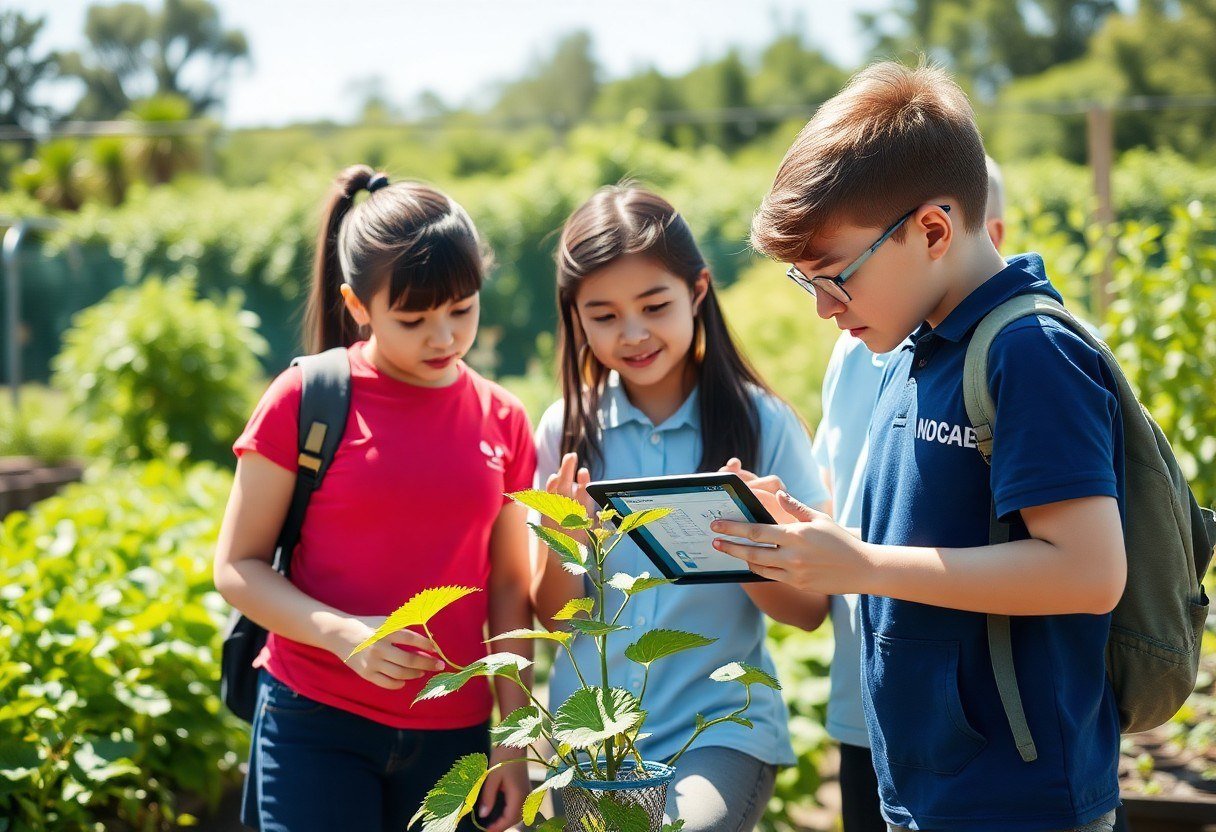
Three students examining a plant and viewing the diagnosis result on a tablet in a school garden

Frequently asked questions

Do I need programming experience to implement this project?

No, not necessarily. Tools like Google's Teachable Machine allow you to train the model without writing any code. All you need are labeled images. If you want to go a step further, you can learn the basics of Python and TensorFlow in a school workshop.

How accurate is this model compared to lab diagnosis?

Well-trained models (with over 1000 images per disease) achieve up to 95-98% accuracy under ideal conditions. However, they are not a substitute for lab analysis in critical cases. Use it as an auxiliary tool for initial screening.

Can this project be used in a science competition?

Absolutely. This project is ideal for Science Fairs or IoT competitions. You can add humidity and temperature sensors to link the diagnosis with environmental conditions, making it a fully integrated project.

What if the model doesn't recognize the disease correctly?

This is normal at the beginning. Add more images for the condition the model got wrong, and retrain. The more data you have, the better the accuracy. You can also manually classify the incorrect images to teach the model.

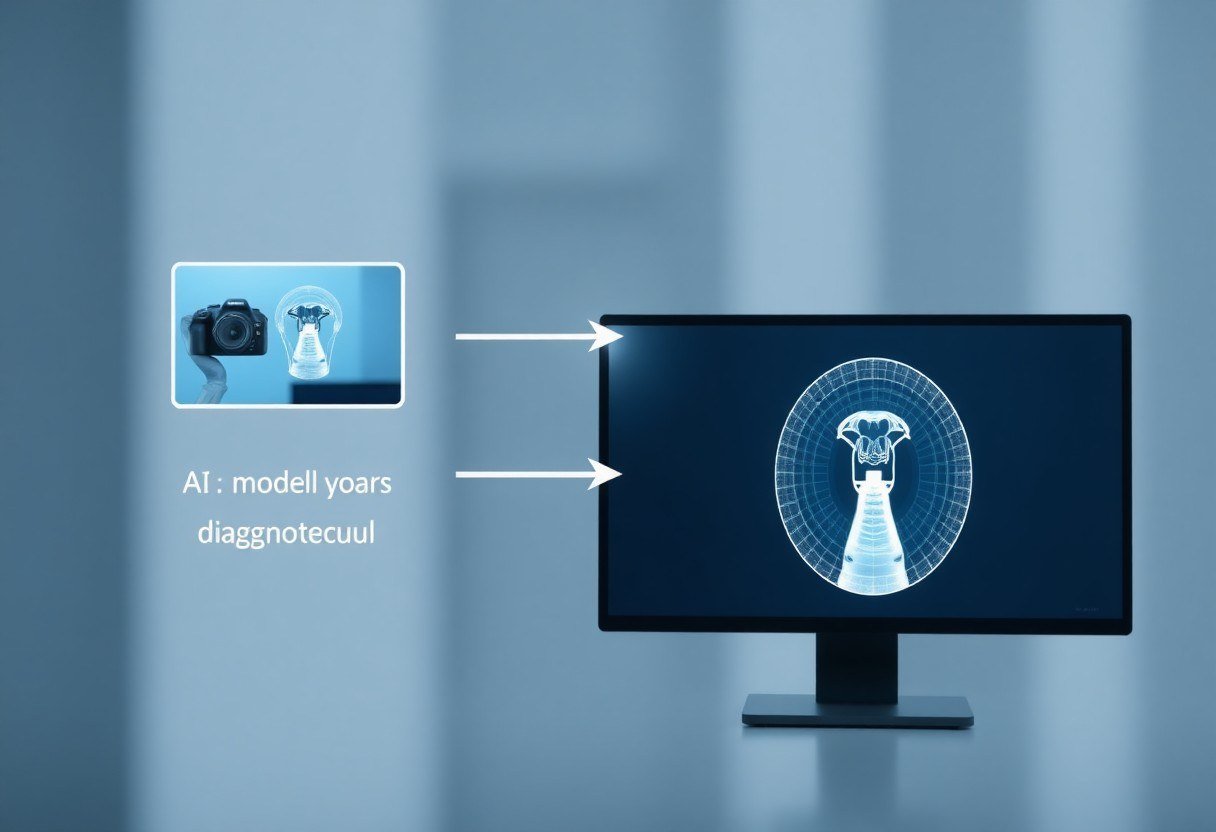
A simple diagram illustrating the project steps: image capture, AI model, diagnosis result

Conclusion

Diagnosing plant diseases with a camera and artificial intelligence is no longer science fiction; it's a practical school project you can implement today. Using your phone, free tools, and a little patience, you can build a model that helps you and your colleagues maintain the plants in your school garden. More importantly, you will learn how computer vision works and how the right data can turn an ordinary phone into a smart diagnostic tool. Start with a small step: capture images of your plant leaves today, and experiment. And don't forget to follow the "IoT for Schools" series tomorrow, where we'll cover a new project.


Contact Us تواصل معنا